
You will encounter OPEX and scaling problems in 5G networks if there is a Poor Deployment Design. Mistakes such as poor cabling, rushed planning, and incorrect assumptions often lead to issues. These errors can result in uneven throughput, increased latency, and degraded handover performance. Occasionally, sensors are overlooked or power systems function inadequately, which can obscure larger issues. These decisions lead to higher costs and a diminished customer experience. It is essential to have a smart and clear plan to avoid these problems and facilitate network growth.
Key Takeaways
- Bad deployment design makes 5G networks cost more to run. It also causes problems when trying to make the network bigger.
- Good capacity planning is very important. If you guess too low, the network gets crowded. This makes customers upset.
- Pick sites carefully. If you choose wrong, there will be spots with no coverage. Service will also be slow in those areas.
- Use good cabling and strong infrastructure. Bad cabling can make data get lost. It also lowers how much data can move at once.
- Do not rush planning. Take your time to ask for ideas and test everything. This helps you avoid fixing expensive mistakes later.
- Check and improve your network often. Watching the network all the time helps you find and fix problems early.
- Use automation and open standards. These tools make managing the network easier. They also help the network work better.
- Use different vendors to make your network stronger. Having more than one supplier keeps the network safe from failures. It also gives you more choices.
Poor Deployment Design: Key Mistakes
Underestimating Capacity
If you do not guess capacity right, problems will happen. Poor deployment design often starts with wrong ideas about data use. You might think only a few people or devices will use the network. But more people can join fast.
Network Congestion
Network congestion happens when too many people use the network at once. You will see slow speeds and dropped connections. This mistake makes customers upset and leads to complaints. If you do not plan for enough capacity, the network cannot handle busy times.
If you make mistakes in capacity planning, resources are not used well. Sometimes, operators buy too much or too little equipment. Buying too much costs extra money. Buying too little makes the service worse and can mean expensive emergency fixes. Both choices make running the network cost more.
Costly Upgrades
You will need expensive upgrades if you do not plan capacity well. Emergency fixes cost more than careful planning. You may have to add new hardware or change old cables. Sometimes, you must redesign parts of the network. These actions raise your costs and can interrupt service. Poor deployment design means you spend more time and money fixing things.
Improper Site Selection
Picking the wrong place for network equipment is another big mistake. You might choose a spot because it is easy or cheap. But this can cause bigger problems later.
Coverage Gaps
Coverage gaps happen when the network does not reach everywhere it should. People in these spots cannot connect or get weak signals. This problem comes from not checking the area well before installing equipment. You need to think about buildings, hills, and other things that block signals. Poor deployment design skips these steps and leaves people without service.
Backhaul Issues
Backhaul is how your network sites connect to the main internet. If you pick a site without good backhaul, service will be slow or unreliable. You may need to add more equipment or rent new lines, which costs more. Poor deployment design does not plan for this, so data is slow and customers are unhappy.
Poor Cabling and Infrastructure
Poor deployment design also shows in how you lay cables and build things. If you use bad cables or install them badly, you will have many problems.
Data Loss
Bad cabling can make you lose data. You might see dropped packets or devices that need to reboot a lot. Sometimes, the signal fails completely. These problems make the network unreliable. Here are some common problems from bad cabling:
- Voltage drops
- Packet loss
- Devices rebooting often
- Crosstalk
- Signal interference
Each problem can stop service and make fixing things harder.
Reduced Bandwidth
Bad cabling and infrastructure also lower bandwidth. The network cannot carry as much data as it should. Users will notice slow downloads, buffering, and delays. You may need to replace cables or upgrade equipment sooner. Poor deployment design means you spend more money fixing problems and less time making the network better.
Rushed Planning and Assumptions
Rework and Delays
You get many problems if you rush planning for 5G networks. A big mistake is not talking with everyone who matters. If you skip this, the technical plan does not fit what the business wants. This causes the project to slow down and cost more money. You might also skip important testing steps. If you do, small mistakes can break the network and stop service. These problems make you do the work again and fix things that good planning could have stopped.
When you rush planning, you only think about what you need right now. You forget to think about how the network will grow later. This means you must spend more money and time fixing things. You do not get to build a strong network for the future.
Missed Details
Wrong guesses during planning make you miss key details. You might think things will stay the same, but things can change fast. If you do not update your plans, you miss important data and records. This makes you do extra work and spend more money.
- Old tools and systems that do not connect make it hard to see everything. You miss changes and updates, so things do not match up.
- Bad records mean workers find things they did not expect. They have to change things and do the work again, which slows down the project.
- Changes that are not written down add up over time. You end up doing more work and using more resources to fix mistakes.
You need to check every detail when you plan. If you do not, you will have delays, spend more money, and get a network that does not work well.
OPEX Impacts of Flawed Network Deployment
Increased Maintenance
Frequent Site Visits
If your 5G network has design problems, engineers will visit sites more often. They have to fix the same problems again and again. These trips take up time and cost money. You pay for gas, workers, and wasted hours. Each visit can slow down other important jobs.
Here is a table that shows what happens when you need more site visits and have more failures:
| Impact on OPEX | Description |
|---|---|
| Configuration Drift | More complex networks cost more to run, about 30-50% more than 4G. |
| Truck Rolls & Troubleshooting Time | Engineers spend extra time fixing problems, not just finding the main cause, so repairs take longer. |
| Performance & SLA Penalties | If network settings are wrong, performance drops and you may have to pay fines. |
Higher Failure Rates
You will see more things break if the network is not set up well. Devices stop working sooner. Cables and equipment wear out faster. This means you have to replace parts more often. You might also miss service level agreements and get fined.
Resource Inefficiency
Overprovisioning
You might use more resources than you really need. Bad deployment often causes overprovisioning. This means you give too many radio resources to one area. Many 5G networks use a dedicated-resource plan. This plan does not think about how traffic changes. So, you waste resources when fewer people use the network.
Energy Waste
You will also use more energy. Even though 5G networks are better than old ones, lots of devices and data can make costs go up. Smart systems, like waste management, need data all the time. If you do not plan well, you waste energy and money. This makes your network less efficient.
Support and Management Costs
Troubleshooting Complexity
Fixing problems gets harder. 5G networks are advanced, so you need special skills to solve issues. This makes repairs slower and the network less reliable. Sometimes, you need experts, which costs more.
Note: Harder troubleshooting can make your network not work for a long time. You need to keep training your team to be ready.
Training Needs
You must train your workers more often. New features and tools in 5G networks need special knowledge. If your team does not get enough training, they cannot fix things fast. This means the network is down longer and costs go up.
Scalability Challenges in 5G Networks
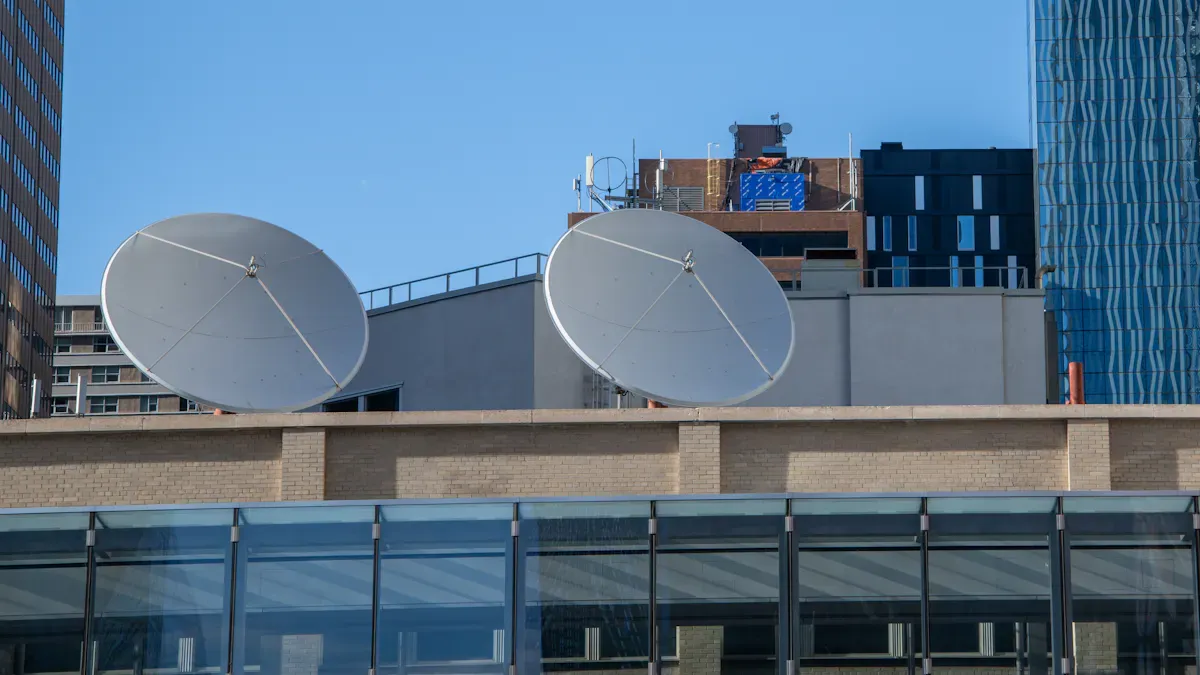
Rigid Architectures
Rigid architectures cause many problems in 5G networks. These networks cannot grow or change easily. This makes it hard for them to scale. They need to be up and running all the time. They also need to be very reliable. You have to watch resources closely. If you do not, you might use too much or too little. Auto-scaling is tough because you must set limits for busy times. If you set them wrong, you can break service level agreements. You might lose data when you try to scale stateful network functions. This happens if you use persistent storage and cannot keep data safe during changes.
Integration Barriers
It is hard to connect different parts of the network. These barriers make it tough to check and meet service level agreements. Working with customer systems can be difficult. Some contracts do not change when needs change. This makes it hard to automate checks and keep up with new needs.
- Cross-domain connections can be hard to manage.
- Old contracts are not easy to update.
- Automating service checks can be a struggle.
Limited Service Agility
Limited service agility means you cannot change services fast. The network cannot keep up with what customers want. If needs change, you may not update the network quickly. There may not be standard ways to measure how well things work. This makes it hard to automate and connect network parts. Dynamic service agreements help, but many networks do not use them.
Heterogeneous Infrastructure
Heterogeneous infrastructure means you use many types of equipment. This can make it hard for the network to grow. Old and new devices may not work well together. This mix makes managing and growing the network harder.
Policy Enforcement Issues
It is hard to set rules for all systems. Each device may need its own settings. You might miss updates or changes. This can cause security and service problems.
Project Delays
Project delays happen when adding new features or upgrades. You may need more time to make sure things work together. Sometimes, you have to wait for new tools or updates. These delays slow down network growth.
Delayed Upgrades
Delayed upgrades make it hard to scale. You may not add new features or fix problems fast. This can hurt your network and your customers.
Downtime
Downtime happens when you upgrade the network. You may need to turn off parts to make changes. This stops service for users. Too much downtime makes customers unhappy.
Upgrade Costs
Upgrade costs can be high if you do not plan well. You may need to buy new equipment or hire experts. Training your team may also cost money. These costs add up and make scaling harder.
Note: If you do not plan for scalability, your 5G network will have more delays, higher costs, and more downtime. Poor deployment design and mixed systems make scaling even harder.
Real-World Issues: Office and Fiber Network Deployments
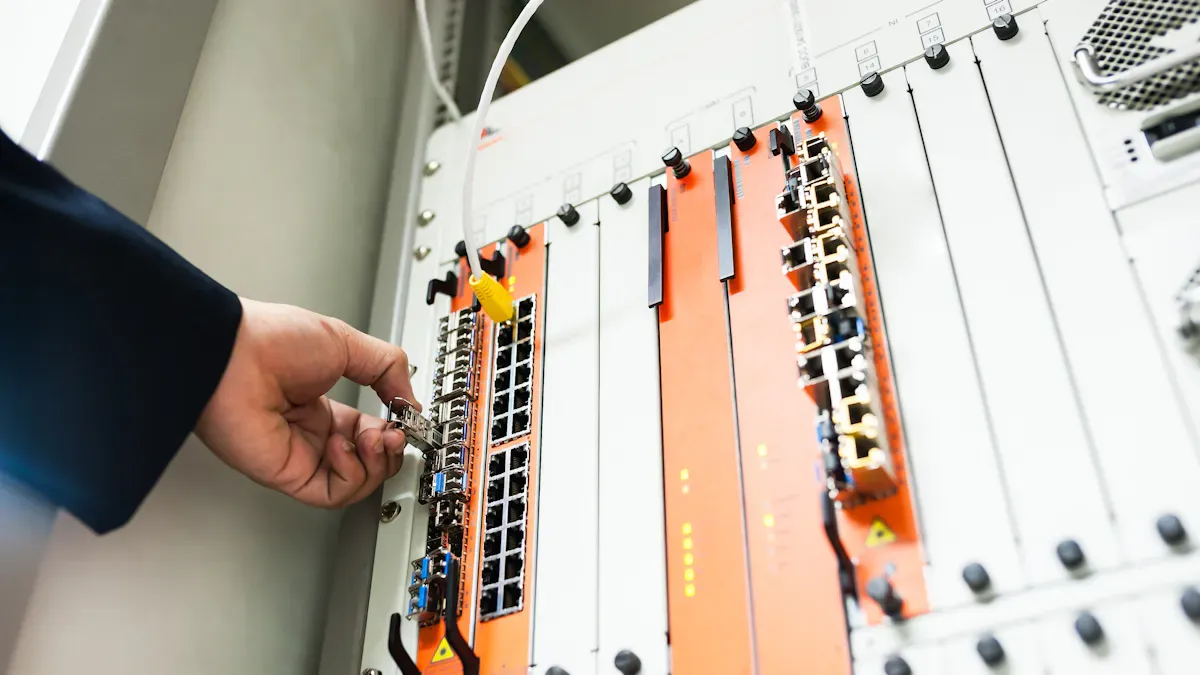
Office Network Deployments: Common Pitfalls
Setting up office networks is hard. These problems change how people work and use technology. You see trouble with mixing technology, weak signals, and user experience.
| Issue Type | Description |
|---|---|
| Deployment and Testing Challenges | Using many technologies makes setup harder. This confuses users and makes them blame 5G for problems. |
| Sensitivity to Transmission Conditions | Millimeter waves change a lot with the environment. This hurts performance. |
| User Experience | Wi-Fi Access Points must work well for users to be happy. 4G/5G backhaul matters too. |
| Quality of Service Handling | Mixing Wi-Fi and 5G can mess up traffic sorting. This hurts customer experience. |
Productivity Loss
Productivity drops when workers cannot connect or use apps. 5G uses short wavelengths that cannot go through walls and windows well. Low-E glass and concrete block signals. These barriers make dead zones and dropped calls. Workers lose time if they cannot get files or talk to others. People get upset and tenants are less happy.
All these things together make a big building act like a Faraday cage. It stops outside signals from coming in. This causes big problems for work. Productivity goes down when mobile apps do not work. Tenants are not happy. In places like hospitals, no connection can be unsafe.
Security is also a worry. Devices can connect over plain radio, showing sensitive info like IMSI. 5G has new security ways, but there are still risks.
Buffering and Delays
Buffering and delays happen when the network cannot handle traffic. Carriers try new ways to lower latency and buffering. You see fewer problems if the network responds fast. But mixing Wi-Fi and 5G can mess up traffic sorting. This makes customers unhappy and slows work.
- 5G uses short wavelengths that cannot go through obstacles.
- Building materials block signals and make dead zones.
- These barriers cause dropped calls and slow data. This hurts worker productivity.
You need to check Wi-Fi access points and 4G/5G backhaul. If you do not, you get more delays and unhappy users.
Fiber Network Deployment: Design Flaws
Fiber network deployment has design flaws. These flaws limit bandwidth and make scaling harder.
| Design Flaw | Impact on Bandwidth Bottlenecks |
|---|---|
| Improper Fiber Count Planning | Not planning fiber count means costly upgrades and less growth. |
| Poor Splitter or Terminal Placement | Bad placement makes cables longer and loses signal, hurting performance. |
| Lack of Route Optimization | Not optimizing routes uses more cable and makes maintenance harder. |
| Inadequate Documentation | Bad records make fiber use and setup harder, hurting performance. |
| Ignoring Future Expansion | Not planning for growth limits network changes later. |
Bandwidth Bottlenecks
Bandwidth bottlenecks happen when the network cannot carry enough data. Dirty connectors reflect signals and cause loss. Bending fibers lets light leak out. Sharing bandwidth in GPON makes bottlenecks at busy times. These problems slow the network and upset users.
Regulatory Compliance
Regulatory compliance changes how you build and grow fiber networks. You must work with asset owners, contractors, and local governments. You need to follow safety and environmental rules. Hard permitting slows deployment, especially where rules are strict. These steps slow network rollout and make scaling harder.
Best Practices for Efficient 5G Deployment
Accurate Planning and Forecasting
You should plan carefully before building your network. Good planning helps you avoid mistakes as your network grows. Teams use smart tools and data to make better choices. Some teams use AI and machine learning to guess how radio signals will act. These tools help you use resources well and save money. You can look at detailed maps and data from users to see busy spots. This helps you plan for crowded areas and stop slowdowns. If you connect planning tools with other network jobs, work gets faster and cheaper. Cloud-native tools help you grow your network easily and keep it working well.
| Best Practice | Description |
|---|---|
| Accuracy | Use AI/ML prediction engines for precise RF designs and better network capacity. |
| Efficiency | Automate repetitive tasks to boost productivity and shorten deployment times. |
| Data-driven | Use 3D maps and crowdsourced data to optimize planning decisions. |
| Integration | Link planning tools with network lifecycle processes to cut operational costs. |
| Cloud-native | Choose cloud-native tools for scalability and high availability. |
Strategic Site and Cabling Choices
You need to pick good places for equipment and cables. Making your setup the same everywhere helps you grow faster. Some companies use fewer types of equipment to make things easier. This helps them manage networks with less work. Automation tools like Cisco NSO and EMS help control the network and lower costs. Over time, private 5G networks can cost less than Wi-Fi. This is true when you look at all the costs.
| Evidence Type | Description |
|---|---|
| Infrastructure Standardization | Fewer equipment types make scaling and operations easier. |
| Automation | Network management tools reduce costs and human error. |
| Cost Comparison | Private 5G can be 22% cheaper per square meter than Wi-Fi over five years. |
Tip: If you use the same equipment and automate jobs, you save money. Your network can also grow without big problems.
Automation and Open Standards
You should use automation and open standards to make 5G networks easier to run. Automation helps you keep service good and control many devices at once. AI and machine learning can spot problems and fix them early. You can use virtualization and cloud solutions to make your network flexible. Open standards let you connect different parts of the network easily and get ready for new upgrades.
- Automation keeps your network strong and working well.
- AI and ML tools help manage jobs and find problems in the Radio Access Network.
- Virtualization and cloud solutions make your network easy to change.
- Open standards help you connect and upgrade your network with less trouble.
Continuous Review and Optimization
You need to keep your 5G network running well. Continuous review and optimization help you do this. You do not just set up your network and leave it alone. You check it often and make changes when needed. This keeps your network strong and ready for new challenges.
You start by watching your network all the time. You collect data about how it works. You look for slow spots, errors, or places where users have trouble. This helps you see what works and what does not. You use smart tools like automation and AI to help you. These tools can find problems before they get big. They can also fix some issues by themselves.
Tip: Automation and AI make your network self-optimizing and self-healing. This means your network can fix itself and run better with less work from you.
You follow a simple cycle to keep your network in top shape:
- Monitor: You gather real-time data from your network.
- Analyze: You study the data to spot trends and find problems.
- Optimize: You make changes to improve performance. Sometimes, the system does this for you.
- Repeat: You start again to keep your network up to date.
This cycle helps you stay ahead. You can adjust power use and spectrum based on what your network needs right now. This saves energy and makes your network more reliable.
Here are some things that happen when you use continuous review and optimization:
- Automation cuts down on manual work. You spend less on labor.
- AI helps you predict traffic and use your resources better.
- Machine learning lets you fix problems before they cause downtime.
You also keep your network safe and ready for growth. You can spot security risks early. You can add new features without breaking old ones. Your network stays flexible and strong.
Note: If you want your 5G network to last and grow, you must review and optimize it all the time. This keeps costs low and service high.
Continuous review and optimization show you what works and what needs to change. You get a network that meets your goals and keeps users happy. You build a system that can handle new demands and stay ahead in a fast-changing world.
Remediation for Existing Networks
When you check old 5G networks, you can find ways to fix problems and get ready for the future. There are many strategies to make your network stronger and more flexible. These steps help your network handle new needs.
Retrofitting and Modernization
Retrofitting means you update old systems to work with new technology. Modernization helps your network support more users and services. Here are some ways to improve your network and make it easier to grow:
| Strategy | Description |
|---|---|
| Transition to Packet Networks | Move from old TDM circuits to digital packet networks. This step boosts efficiency and makes expansion possible. |
| Enhance Cybersecurity | Upgrade your network to support more bandwidth for encryption and data security. |
| Integrate Telecommunications with Grid Management | Connect IT and operations for better grid management and support for distributed energy resources. |
| Improve Outage Management | Use upgraded networks to communicate better during outages and respond faster. |
Each strategy helps your network grow by making it safer and more reliable. Moving to packet networks lets you add more users later. Better cybersecurity keeps your data safe as your network gets bigger. Good grid management and outage response keep your services working during changes.
Incremental Automation
Incremental automation means you add automation little by little. You do not have to change everything at once. Start with small jobs, like checking network health or fixing simple problems. Later, you can automate bigger jobs. This way, you save money and make fewer mistakes. Automation also helps your network handle more users without extra work for your team.
Tip: Begin with easy jobs. Automate tasks that take a lot of time or cause mistakes. As your network grows, you can automate harder jobs too.
Automation tools help you find problems early and fix them fast. This keeps your network ready for new users and services.
Vendor Diversification
Vendor diversification means you use equipment from more than one company. This gives your network some big benefits:
- Your network stays up if one company has problems.
- You can pick the best tools for each part of your network.
- You have more ways to protect your network from attacks and disasters.
When you use different vendors, your network is ready to grow in new places. You can meet new needs and do not get stuck with one supplier. This also helps your network stay safe and strong as it gets bigger.
Note: Using more than one vendor is a smart way to get ready for growth. It gives you more choices and keeps your network strong.
By using these strategies, you can turn old networks into strong ones that are ready to grow. You will be able to add new features, reach more people, and keep your network working well.
You see how poor deployment design leads to long-term problems. Mistakes like bad cabling or rushed planning raise costs and slow network growth. These choices hurt network reliability and make upgrades harder. When you use smart planning and best practices, you build a network that works well and grows with your needs. Stay proactive. Review your network often and fix issues early.
FAQ
What are the most common mistakes in 5G network deployment?
You often see mistakes like poor cabling, wrong site selection, and rushed planning. These errors lead to higher costs and slow network growth. Careful planning helps you avoid these problems.
What does OPEX mean in 5G networks?
OPEX stands for operational expenses. You pay these costs to keep your network running. They include maintenance, energy, and support. High OPEX can hurt your profits and slow upgrades.
What happens if you do not plan for future growth?
You face costly upgrades, downtime, and unhappy users. Your network cannot handle more traffic or new services. You need to think ahead to avoid these problems.
What is the role of automation in 5G deployment?
Automation helps you manage your network with less work. You can fix problems faster and use resources better. This makes your network stronger and easier to grow.
What challenges come from using different types of equipment?
You deal with complex management and slow upgrades. Devices may not work well together. You spend more time and money fixing issues.
What is real-world execution in 5G projects?
Real-world execution means putting your plans into action. You must check your work, solve problems, and adjust as needed. Good execution leads to a reliable network.
What can you do to lower OPEX in your 5G network?
You can use automation, standardize equipment, and review your network often. These steps help you save money and keep your network running well.
What should you document during deployment?
You should record site details, cabling paths, equipment types, and changes. Good records help you fix problems and plan upgrades.