Support

Reliable Support Throughout Your Network Journey

From deployment and integration to troubleshooting and ongoing optimization, IPLOOK provides responsive technical support to help keep your telecom network stable, secure, and ready to scale.

THE NETWORK JOURNEY

Every Network Project Has a Journey

From the first discussion to long-term operation, we work with you at every stage of the network lifecycle.

01

Plan

Understand your business goals and requirements

02

Design

Build the right network architecture and solution

03

Integrate

Connect with RAN, IMS, OSS/BSS and other systems

04

Deploy

Install, configure, test and commission the network

05

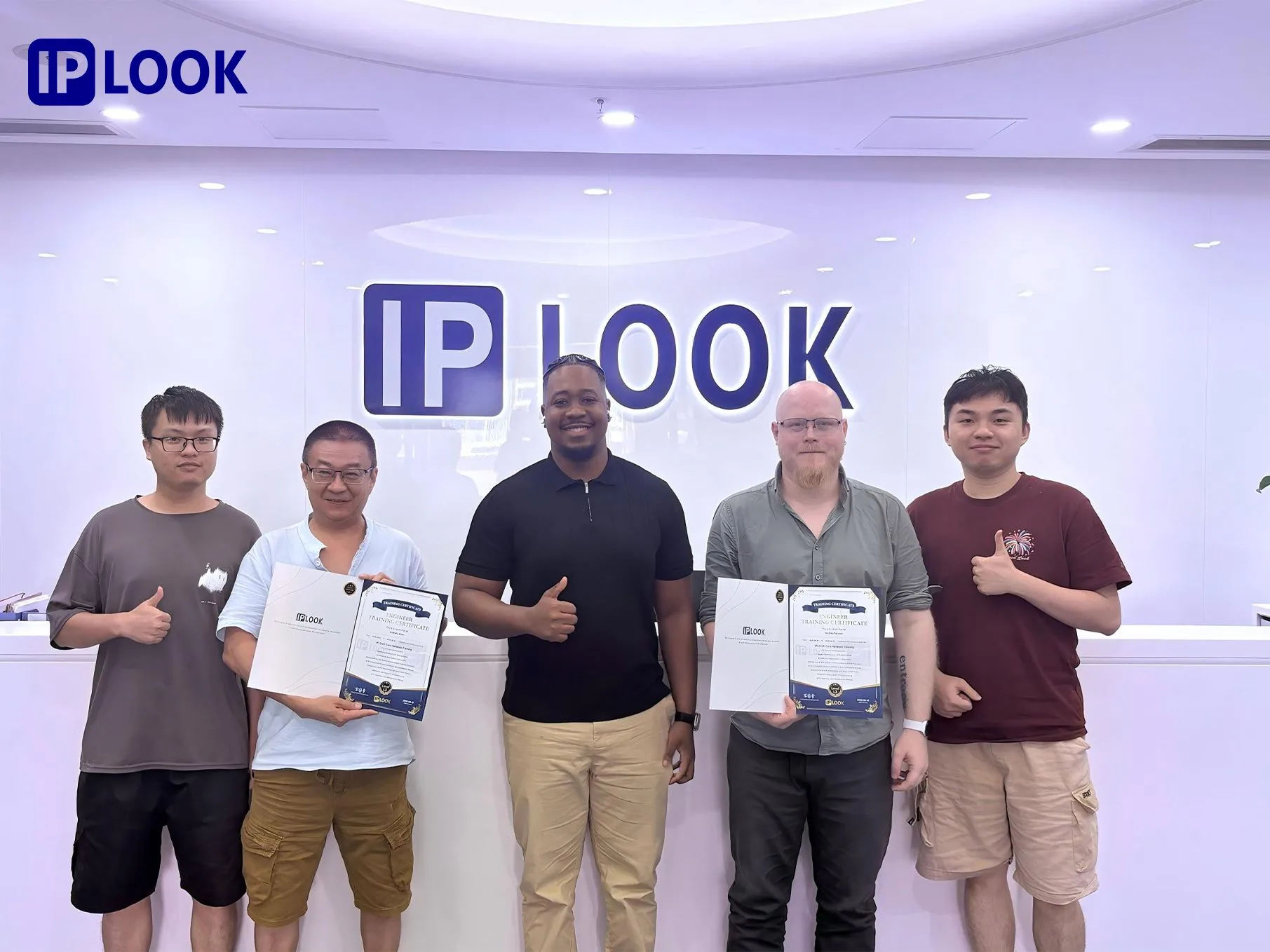
Train

Transfer knowledge to your technical team

06

Operate

Ensure stable operation and provide support

07

Scale

Expand capacity, add new services and optimize

01
PLAN

Understand Your
Network Goals

We start by understanding your business model, coverage requirements and growth plans, and assess your current environment to design the best approach for your network.

  • Business model & use cases
  • Coverage and capacity requirements
  • Subscriber and service expectations
  • Deployment environment
  • Long-term growth plan
Understand-YourNetwork-Goals
02
DESIGN

Build the Right
Network Architecture

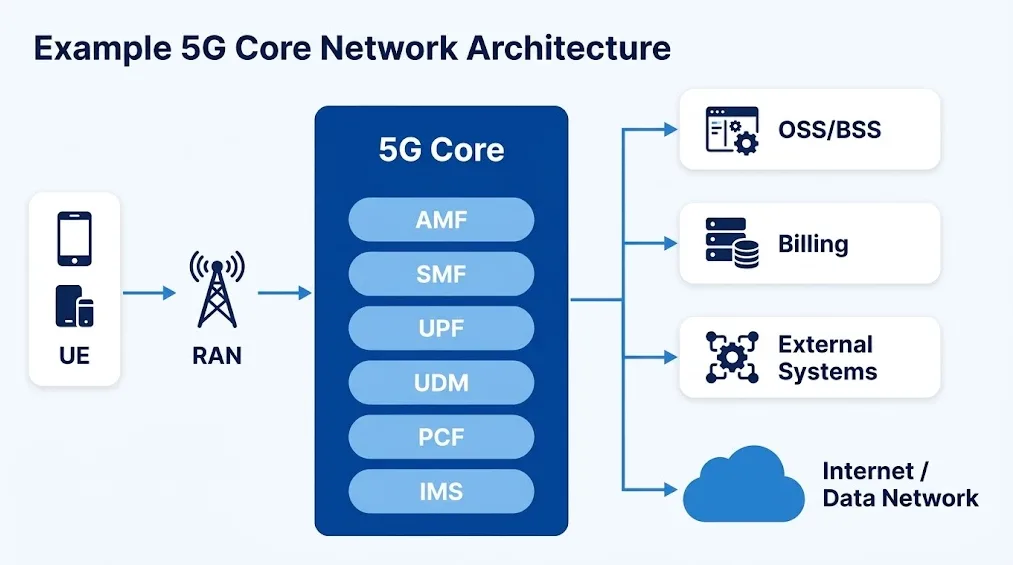
We design a flexible and scalable architecture based on your network requirements, whether it's 5GC, EPC, IMS, MVNO or a private network.

  • 5GC / EPC / IMS
  • UPF / SMF / AMF and other core functions
  • Scalability and high availability
  • Security and compliance
Build the Right Network Architecture
03
INTEGRATE

Connect the Network Ecosystem

We ensure smooth integration with RAN, IMS, OSS/BSS, billing and other systems, so your network works as a whole.

  • Interface configuration and routing
  • Subscriber data and policy control
  • Interconnection with external systems
  • End-to-end testing
Connect the Network Ecosystem
04
DEPLOY

Turn Architecture Into a Working Network

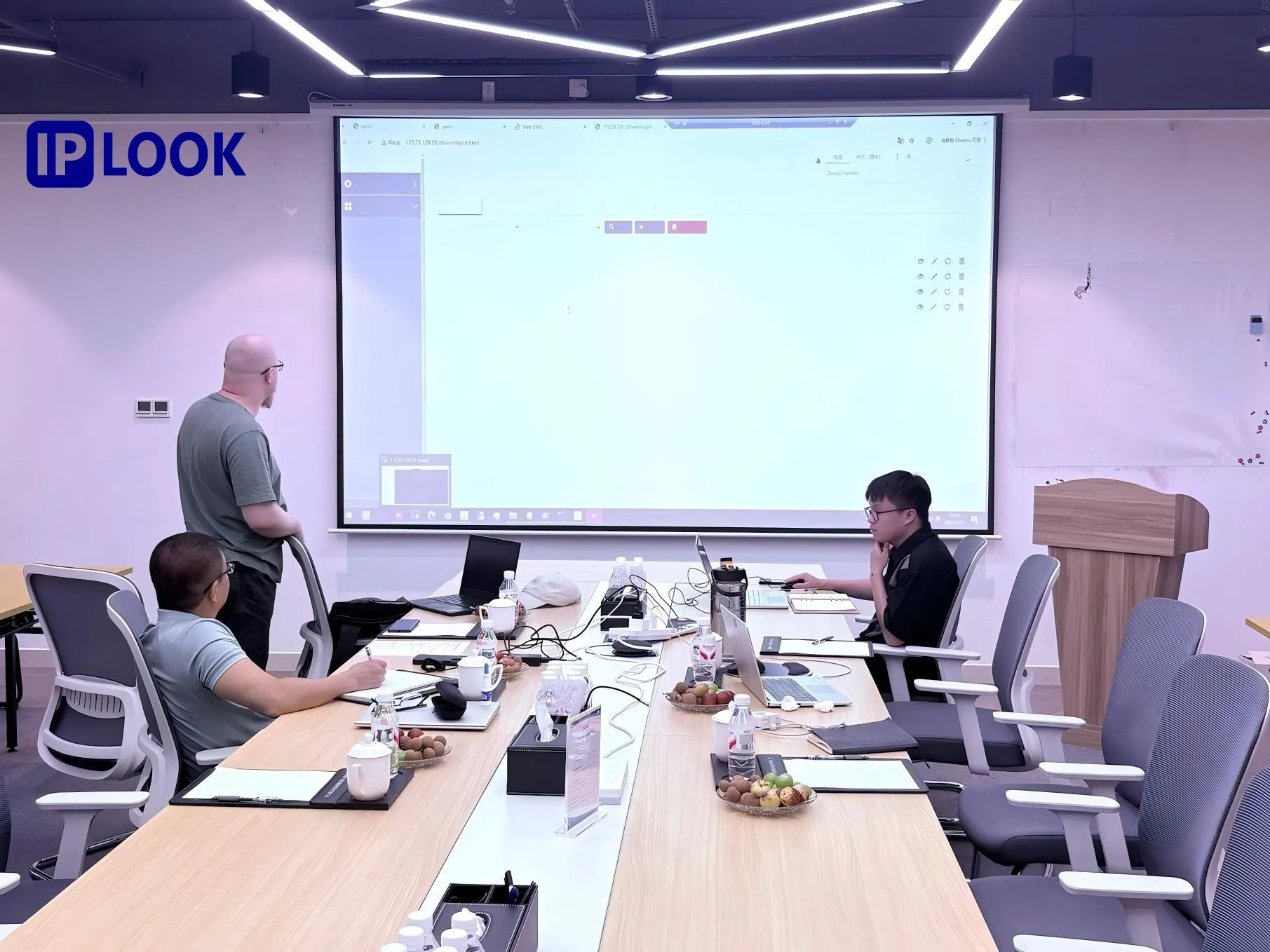
Our team helps you with on-site deployment, configuration, integration, testing and commissioning to ensure a smooth and efficient go-live.

  • Configuration and integration
  • Testing and troubleshooting
  • Performance optimization
  • Commissioning and go-live
Turn Architecture Into a Working Network
05
TRAIN

Ready for Production

Our team helps you with on-site deployment, configuration, integration, and makes sure your team can operate live.

Network Validation

Connectivity, mobility, service validation

Production Readiness

Configuration and deployment checks

Knowledge Transfer

Documentation and training

Go-Live Support

Technical assistance during launch

Ready for Production
06
SUPPORT

Support After Your
Network Goes Live

Our technical support team is here to help you keep your network running smoothly and solve issues quickly.

Technical Support

Troubleshooting and technical assistance

Issue Escalation

Escalate complex issues to relevant teams

Documentation

Guides, FAQs, and knowledge base
Support After Your Network Goes Live

Our Support Services

IPLOOK offers comprehensive technical support and value-added services to keep your network running at its best.

Technical Support

Expert assistance for product and network issues

Troubleshooting

Fast and effective problem resolution

Software Support

Patches, upgrades and compatibility

On-site Support

Field engineers for complex issues

Network Optimization

Performance tuning and best practices

Training

Technical training and knowledge transfer

Maintenance

Proactive and preventive maintenance

Technical Support Process

A clear and efficient process to resolve your issues.

1

Submit a Ticket

Email, WhatsApp or support portal

2

Analysis

Check product, version, environment, logs, config, error messages

3

Troubleshooting

Remote diagnosis and solution

4

Escalation

Support → Product Team → R&D

5

Resolution

Configuration, fix, upgrade or workaround

6

Verification

Confirm the issue is resolved

7

Closure

Document and follow up

Support Priority Levels

We classify issues by severity to ensure the right response time.

P1

Critical

  • Network outage
  • Major service interruption
  • Critical signaling failure
P2

Major

  • Partial service degradation
  • Performance issues
  • Feature malfunction
P3

Minor

  • Configuration questions
  • Documentation requests
  • General inquiries

SLA Options

Flexible service levels to meet your business needs.

9x5 NBD

  • Monday - Friday
  • 9:00 - 18:00 (local time)
  • Next Business Day (NBD)
24/7

24x7x4

  • 24/7 support
  • 4-hour response
  • For critical issues

Operation and Maintenance Scheme

Service
offerings
IPLOOK CT Foundation Service
Basic Service Advanced Service
9x5xNBD 24x7x4 9x5xNBD 24x7x4
Technical Support
Center (TSC)
support (E-mail & Hotline)
24x7 24x7 24x7 24x7
Advanced Hardware
Replacement
9x5xNBD-Ship 24x7x4 Hour -
Arrive
9x5xNBD-Ship 24x7x4 Hour -
Arrive
Onsite Support / / 9x5xNBD-Ship 24x7x4 Hour -
Arrive
Software Support YES YES YES YES

Expert Training & Deployment Support

Get the knowledge and hands-on support you need to deploy and operate your network with confidence.

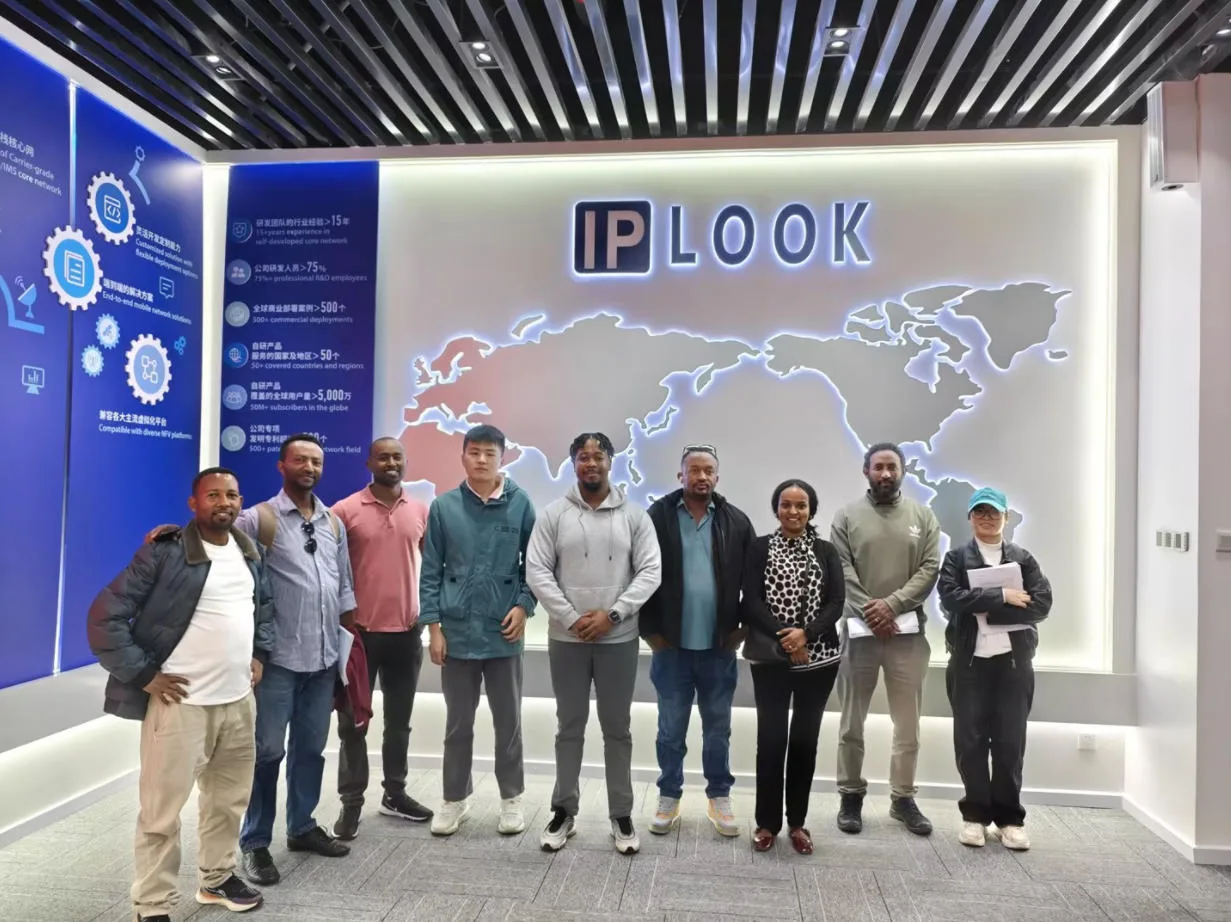
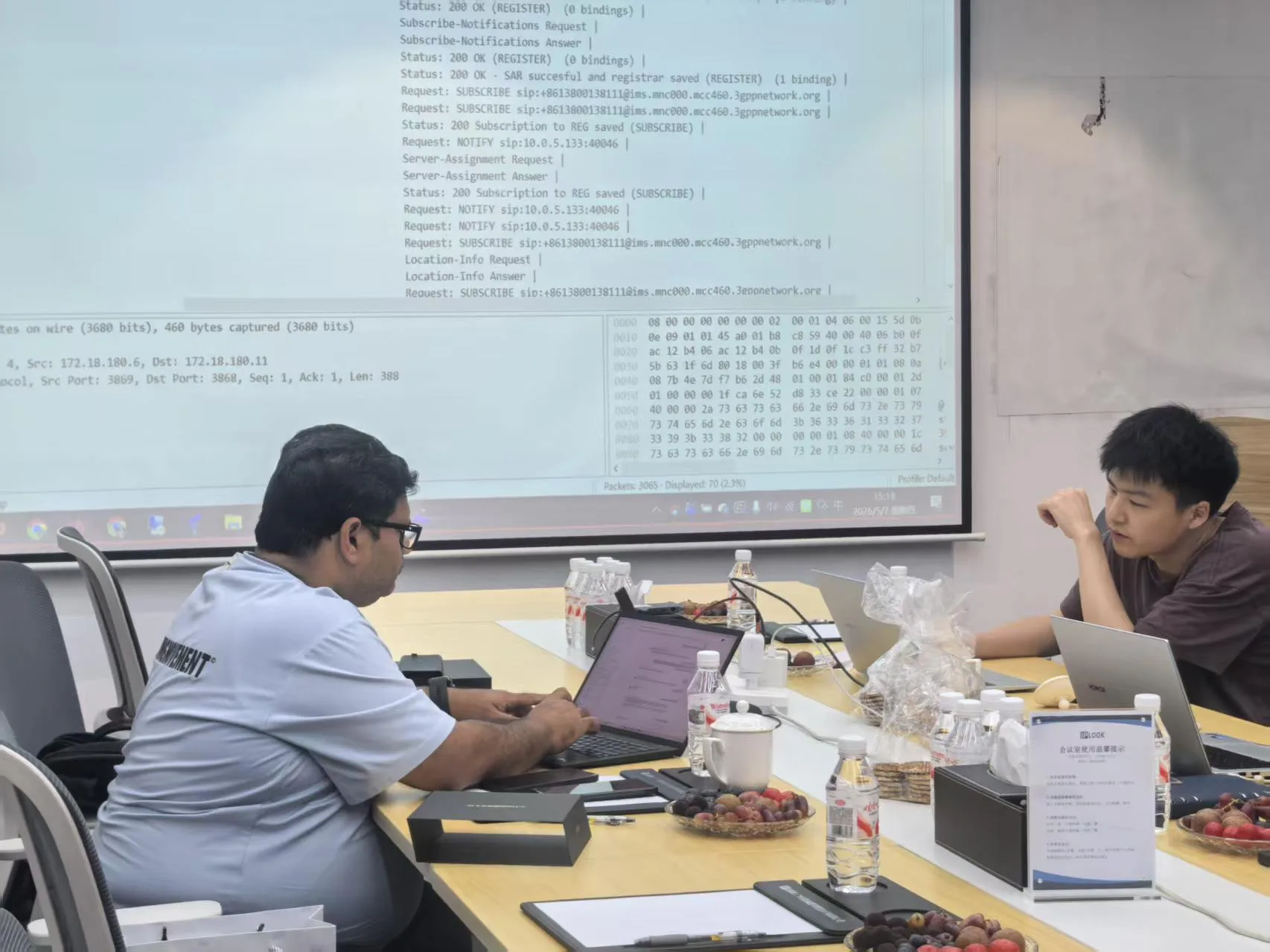
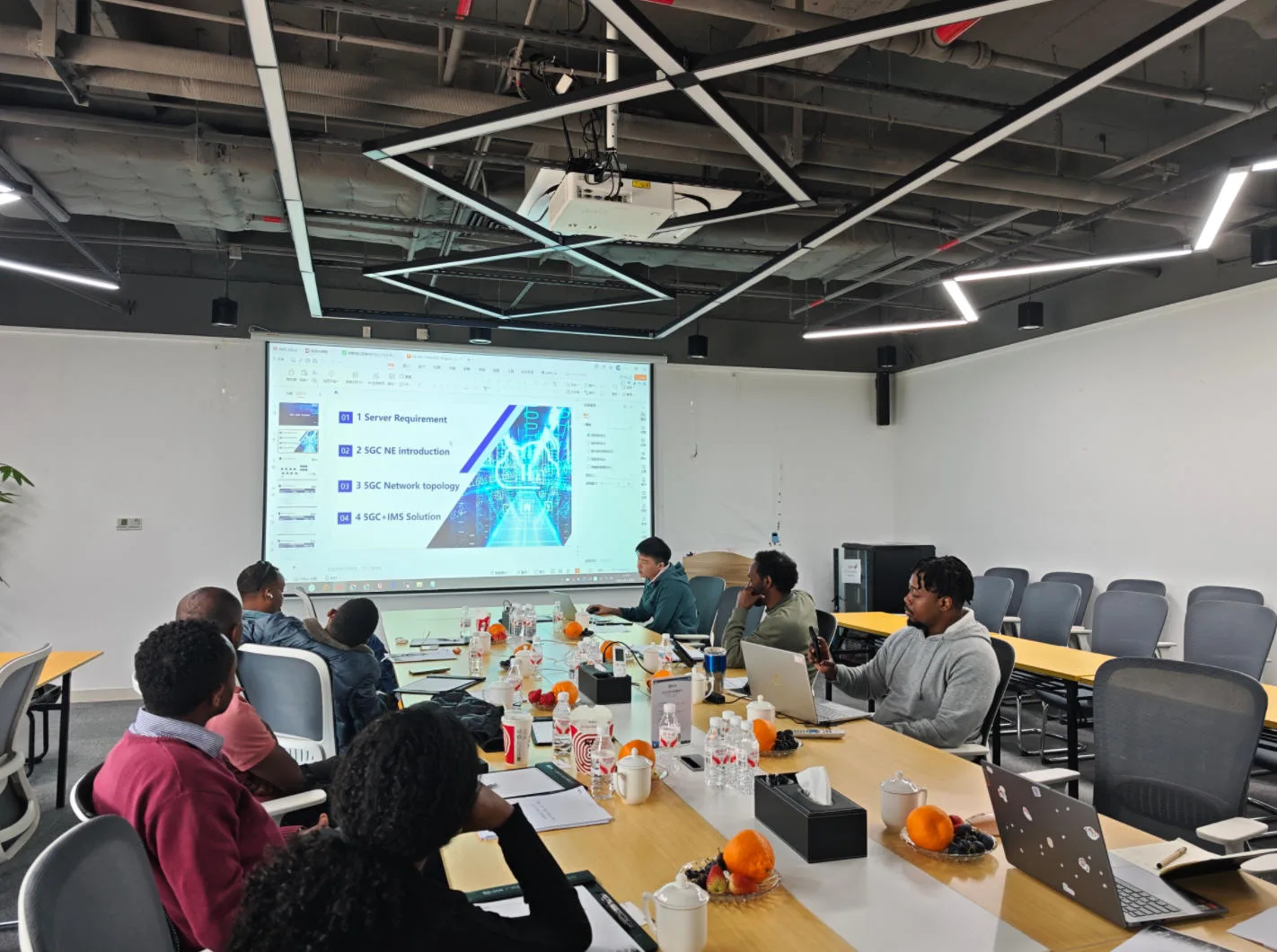
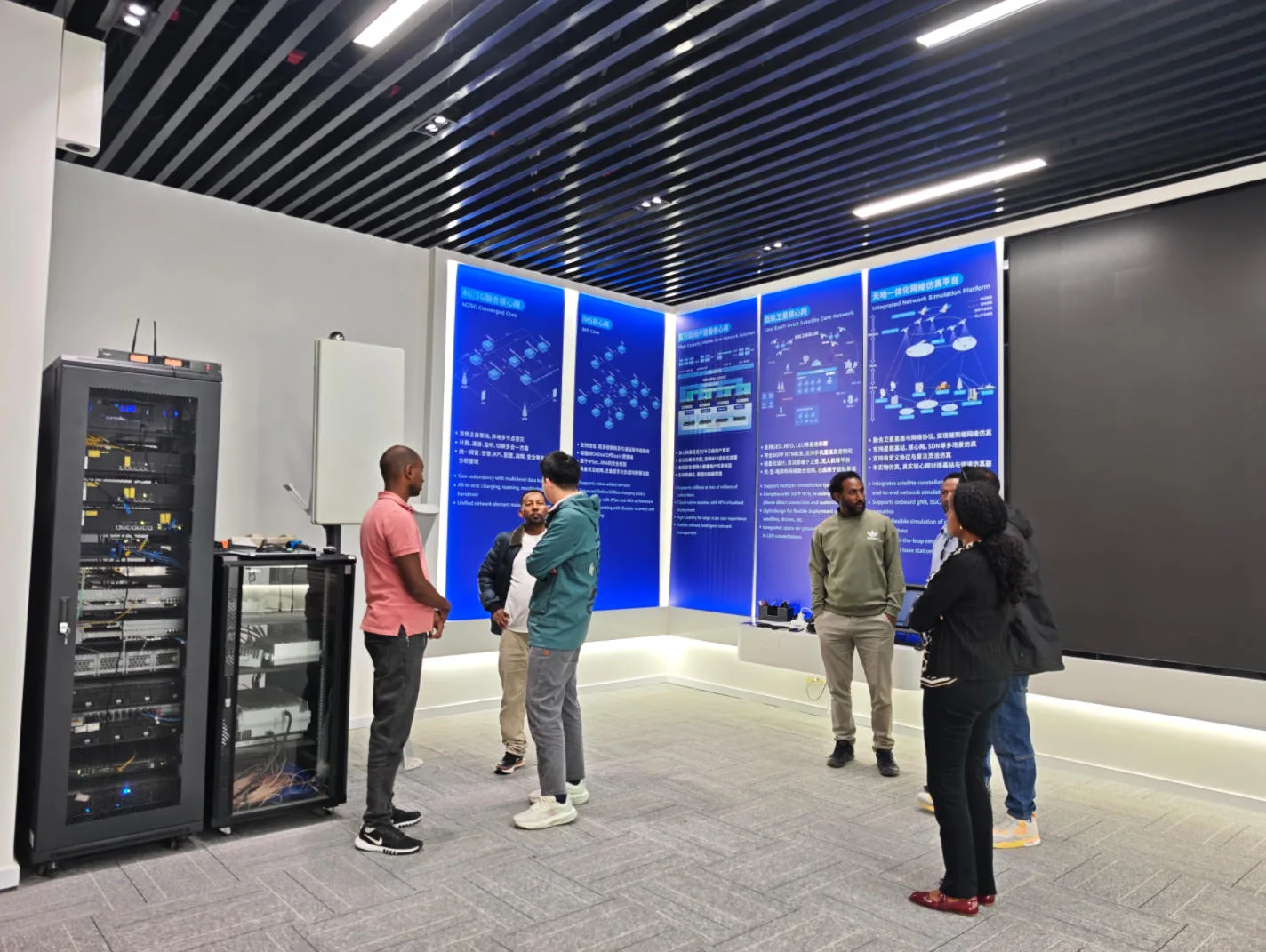
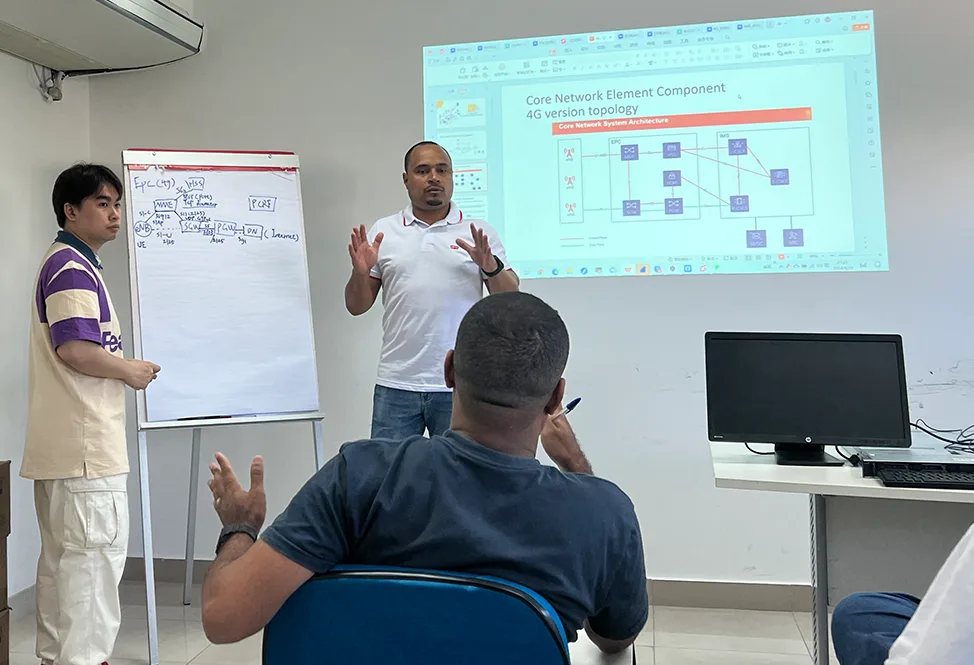
Our technical experts provide training across the entire deployment lifecycle—from product introduction and installation to commissioning and maintenance, either on-site or at our dedicated training center.

FAQ
What technical support does IPLOOK provide?

IPLOOK provides technical support throughout the mobile network lifecycle, from deployment and commissioning to operation, troubleshooting, maintenance, and network evolution. Support may include remote technical assistance, issue analysis, configuration guidance, software support, and on-site services depending on the customer's service agreement.

Does IPLOOK provide 24/7 technical support?

IPLOOK provides 24/7 support coverage under applicable service levels and SLAs. The specific response time, escalation process, and service scope depend on the support plan selected for the customer's network.

Does IPLOOK provide on-site technical support?

Yes. IPLOOK can provide on-site technical support for applicable projects and service agreements. On-site services may cover network deployment, commissioning, troubleshooting, maintenance, and other technical activities based on the customer's requirements.

What SLA options are available for IPLOOK support services?

IPLOOK offers different support service levels to meet different operational requirements. Available options may include 9x5 Next Business Day (NBD) and 24x7x4 support. The exact response time, service coverage, escalation process, and other conditions are defined in the applicable SLA and service agreement.

Does IPLOOK provide software updates and network maintenance?

Yes. IPLOOK provides software support and maintenance services for supported products and deployments. Depending on the applicable service agreement, maintenance may include software updates, issue troubleshooting, configuration assistance, and technical guidance to help maintain network stability and operational continuity.

Does IPLOOK provide technical training after network deployment?

Yes. IPLOOK provides technical training to help customer teams understand, operate, and maintain their mobile core network. Training can cover product functions, network architecture, installation, commissioning, operation, and maintenance, and can be delivered remotely, on-site, or through an IPLOOK training facility depending on the project requirements.

Can IPLOOK support an existing mobile core network?

Yes. IPLOOK can provide technical assistance for existing mobile core network environments, subject to the applicable support scope. The technical team can review the customer's network architecture, deployed products, integration environment, and specific operational issues to determine the appropriate support approach.

How can I request technical support from IPLOOK?

Customers can contact IPLOOK via Email, WhatsApp, or submit a support inquiry through the website. When requesting assistance, providing the affected product or network function, issue description, deployment environment, configuration information, and relevant logs can help the technical team analyze the issue more efficiently.